Bunny CDN + Atmosvere
Run Atmosvere as bunny.net middleware on your Pull Zone. Both stacks are European-owned (BunnyWay d.o.o. / Slovenia; Atmosvere on Scaleway S.A.S. / France)—not only EU-hosted.
This guide covers the edge / server-side check only. For stronger browser signals, also add the Frontend Integration (JS SDK) on your pages.
Start in observe (decisions in the dashboard, no blocking). Switch to enforce when ready. Enable Run script before cache so checks run on every request, including cache hits.
Prerequisites
- A bunny.net Pull Zone in front of your origin
- Atmosvere secret key and publishable key from the Console
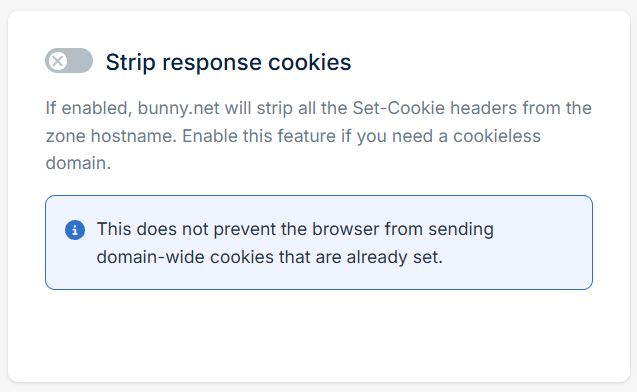
- bunny.net dashboard → Delivery → CDN → your Pull Zone → Caching → General → Strip Response Cookies = off (otherwise
trusted_idnever reaches the browser)
Install
1. Create a middleware script
- bunny.net dashboard → Edge Platform → Scripting → + Add Script

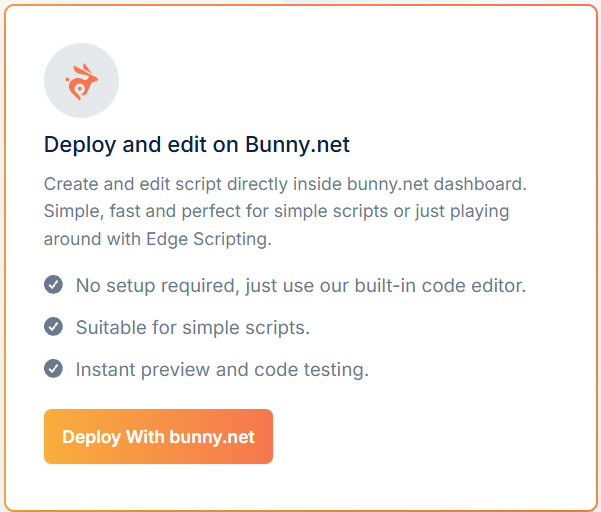
- Deploy With bunny.net
- Create the script:
- Name:
Atmosvere - Type: Middleware
- Pull Zone: the zone that serves your website (HTML documents)
- Template: Default middleware (replaced in the next step)
- Name:
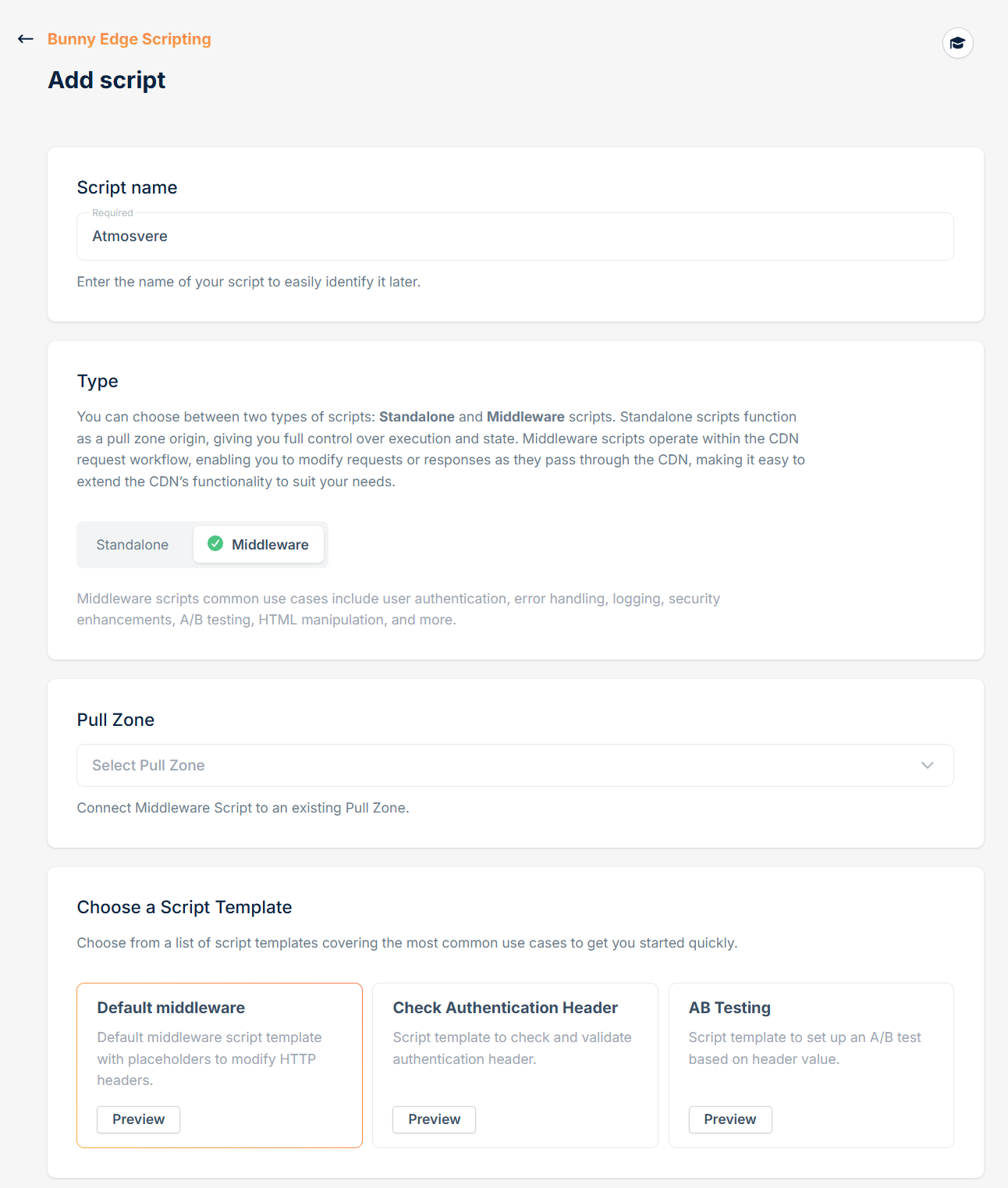
Link the script to the Pull Zone that serves your HTML pages. The published module already skips common static extensions (js, css, images, …) so assets on the same zone stay untouched.
2. Paste the module
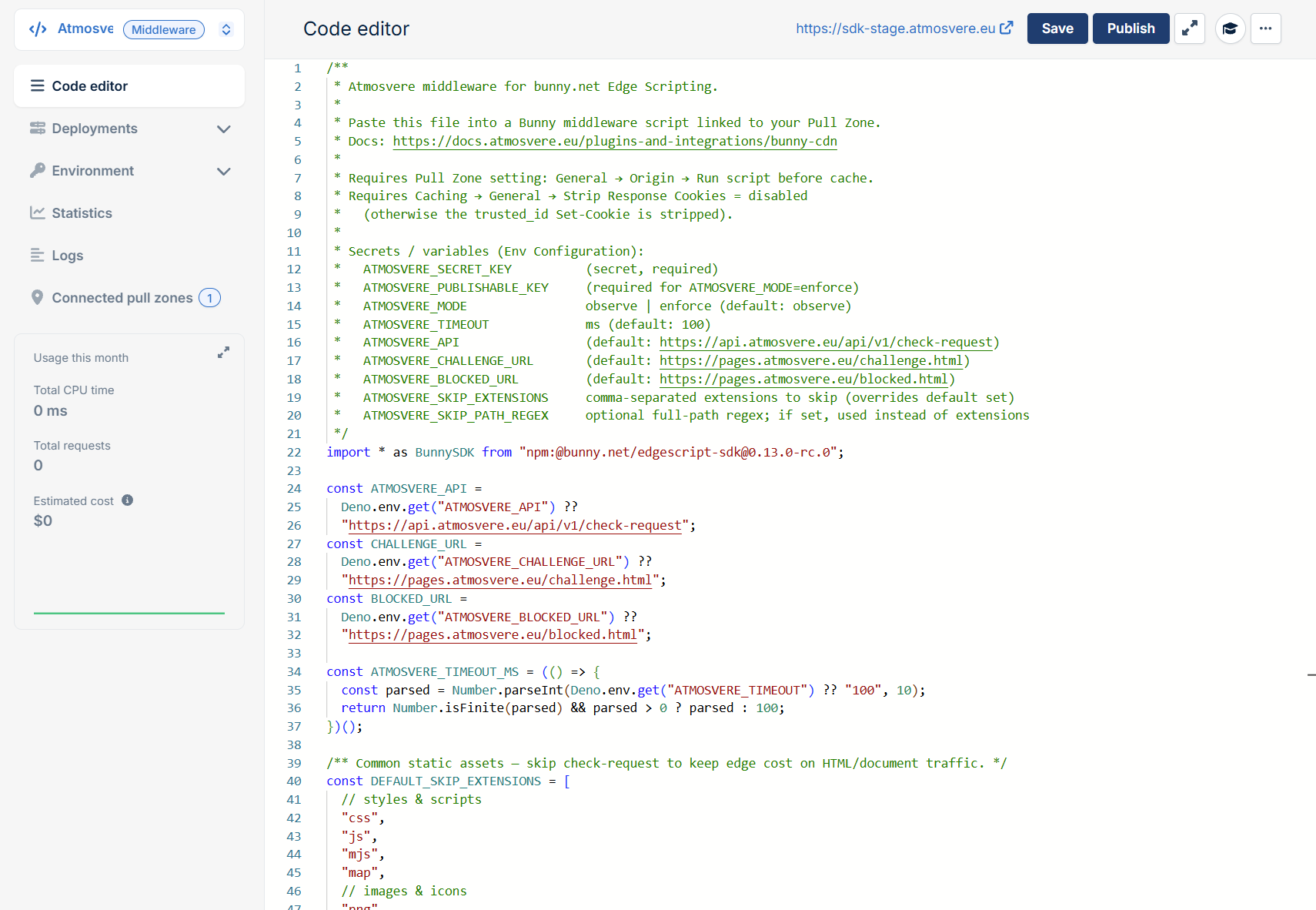
Download atmosvere-bunny.ts and replace the template in the editor.
3. Save, then Publish
On the same editor screen, click Save, then Publish (Bunny’s documented path to ship a release). The editor preview does not replace the live release by itself—after code changes, always Publish so you know which release is running.

4. Set secrets and variables
Under Env Configuration (same script):
| Name | Type | Value |
|---|---|---|
ATMOSVERE_SECRET_KEY | Secret | Your Atmosvere secret key |
ATMOSVERE_PUBLISHABLE_KEY | Secret or variable | Your Atmosvere publishable key |
ATMOSVERE_MODE | Variable | observe to start (switch to enforce later) |
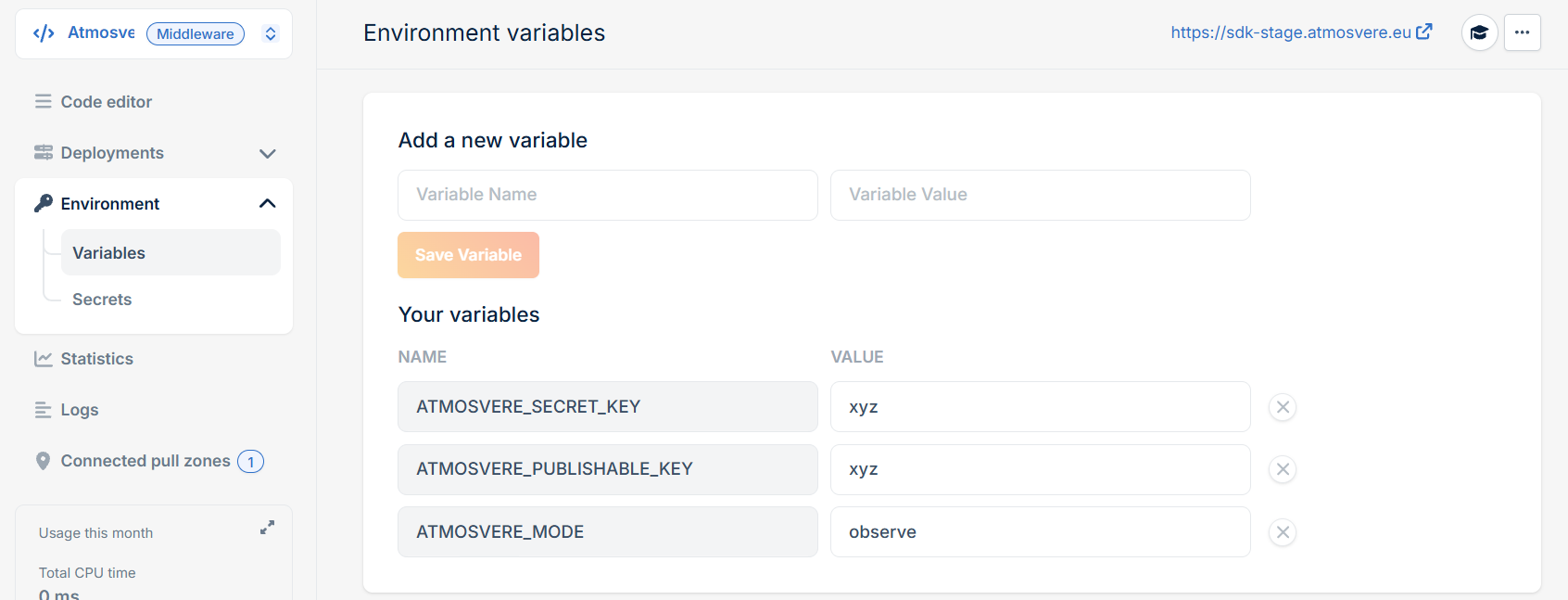
Secrets and variables apply to the live release immediately—you do not need to Publish again after changing them.
5. Run before cache
bunny.net dashboard → Delivery → CDN → your Pull Zone → General → Origin → enable Run script before cache.
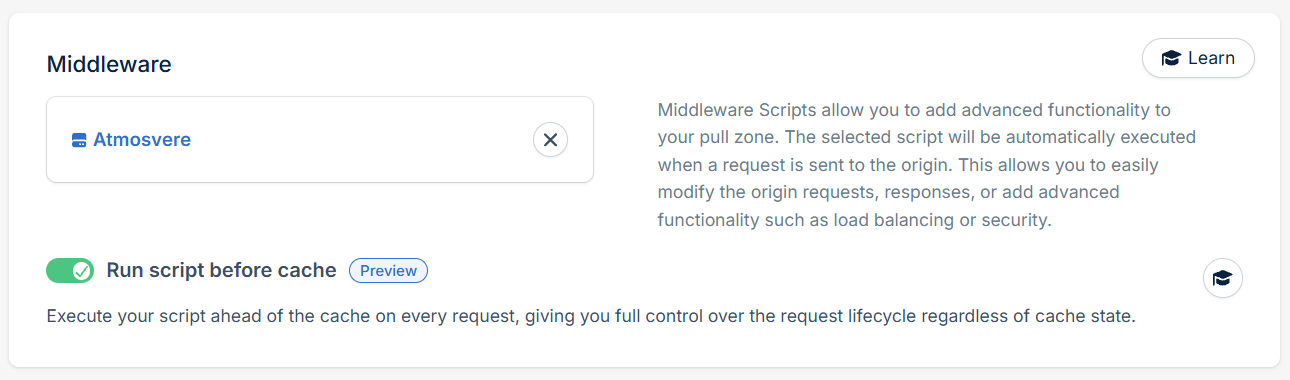
Without this, Bunny can serve cached pages without running the script.
Open the dashboard—you should see checks while pages keep loading (observe mode).
Observe → enforce
On each request, Atmosvere returns a decision: allow, challenge, or block. What happens next depends on the mode.
Observe (default — start here)
Visitors always get your normal page. Atmosvere still scores the request and shows it in the dashboard, and may set a trusted_id cookie. Nothing is blocked or challenged yet—use this to confirm integration and tune rules without affecting users.
Confirm ATMOSVERE_MODE is observe (or unset).
Enforce (active protection)
When dashboard traffic looks right, switch ATMOSVERE_MODE to enforce. Confirm ATMOSVERE_PUBLISHABLE_KEY is still set (from step 4)—challenge and blocked redirects need it.
Redirects apply to top-level page loads only (browser document navigations). Same-origin fetch, XHR, and POST still receive your origin response—Atmosvere may score them and set trusted_id, but will not send those requests to the hosted challenge or blocked page. (Protecting those APIs with an in-page challenge is a separate frontend change, not this middleware.)
| Decision | What the visitor sees |
|---|---|
| allow | Your page, as usual |
| challenge | On a page load: redirect to Atmosvere’s hosted challenge; after success they return to your URL. On fetch/XHR/POST: your origin response. |
| block | On a page load: redirect to Atmosvere’s hosted blocked page. On fetch/XHR/POST: your origin response. |
If Atmosvere is slow or unreachable, the script fails open and serves the page anyway. Raise or lower that ceiling with ATMOSVERE_TIMEOUT (milliseconds; default 150).
Configuration
| Variable | Required | Default | Notes |
|---|---|---|---|
ATMOSVERE_SECRET_KEY | Yes | — | Secret |
ATMOSVERE_PUBLISHABLE_KEY | Enforce | — | Hosted challenge / blocked pages |
ATMOSVERE_MODE | No | observe | observe | enforce |
ATMOSVERE_TIMEOUT | No | 150 | ms; fail-open on expiry |
ATMOSVERE_SKIP_EXTENSIONS | No | Built-in static set | Comma-separated, no dots (e.g. css,js,png) |
ATMOSVERE_SKIP_PATH_REGEX | No | — | Extra path exclusions (does not replace the extension skip list) |
Rarely needed: ATMOSVERE_API, ATMOSVERE_CHALLENGE_URL, ATMOSVERE_BLOCKED_URL (defaults point at *.atmosvere.eu).
Client IP: the script prefers Bunny’s X-Real-IP.
Related
- Frontend Integration — browser SDK (complement to this edge script)
- Server-side Integration
- CDN integration (Cloudflare and others)
- Bunny middleware · Before cache · Secrets